

See Job Run Manage jobs, time, teams, and clients - all from one intuitive platform.
All-in-one field management built for real-world workflows.
Jobs
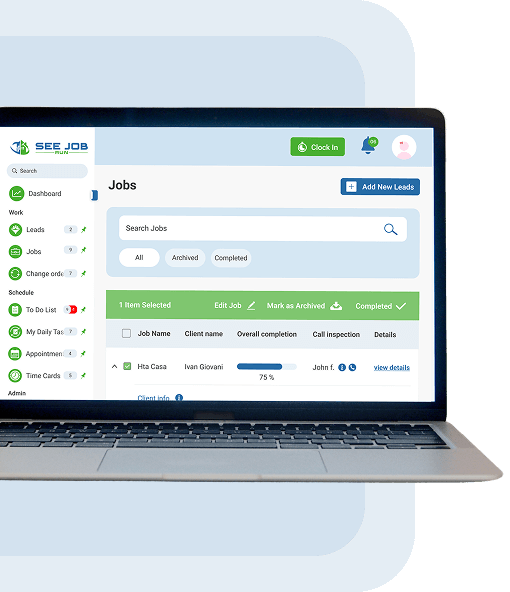
Keep every job organized from start to finish
- Create job records with details, documents, and deadlines
- View job status (upcoming, in progress, completed)
- Assign tasks, checklists, and crew per job
- Track job-specific expenses, files, and notes
- Monitor progress and performance in real time
Leads
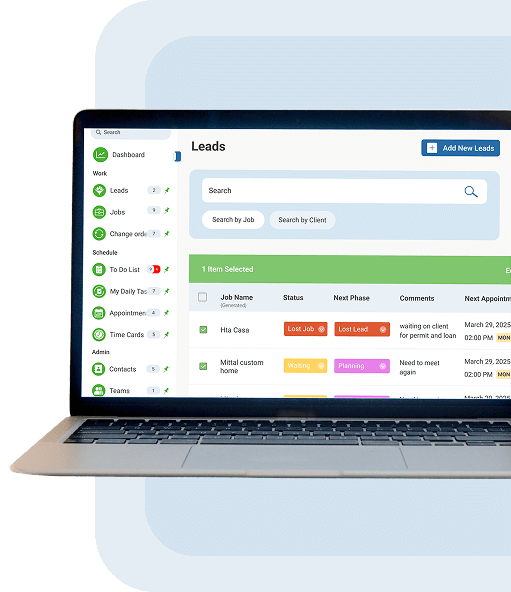
Never miss a potential job
- Capture leads from multiple sources in one place
- Track lead stages from new to converted
- Assign follow-up tasks or team members per lead
- Add notes, site requirements, or client expectations
- Get alerts on new, inactive, or unresponded leads
Timecard & Attendance
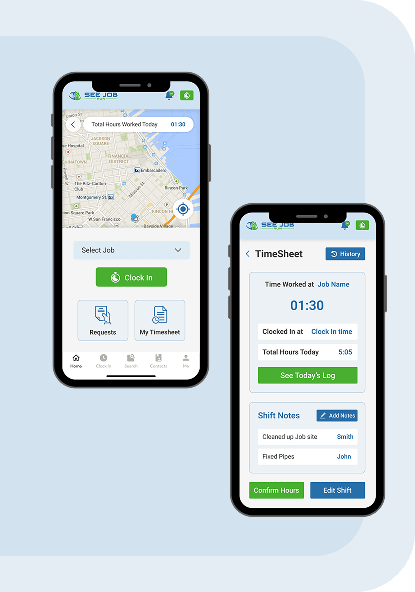
Track hours accurately, avoid payroll headaches
- Clock-in/out with GPS and time logs
- Record shift times, breaks, and overtime
- View daily or weekly summaries for each team member
- Export data for payroll or cost tracking
- Prevent time fraud with real-time location tracking
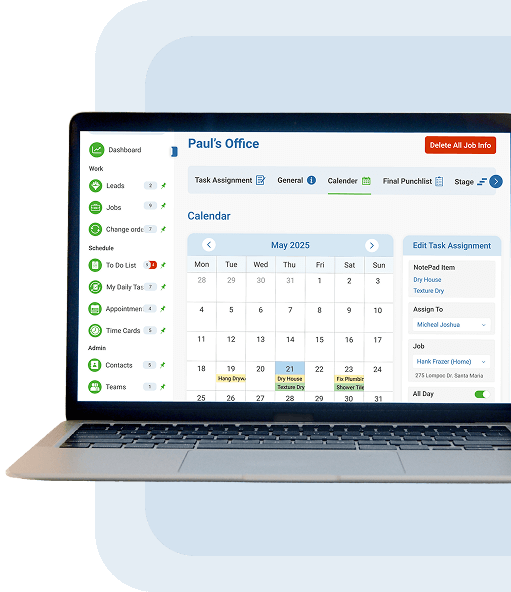
My Appointment
All your scheduling in one clean view
- Schedule jobs, meetings, or team events
- Share availability across your entire team
- Reschedule with drag-and-drop ease
- Send automatic notifications to clients and crew
- Sync with personal calendars (Google, Outlook)
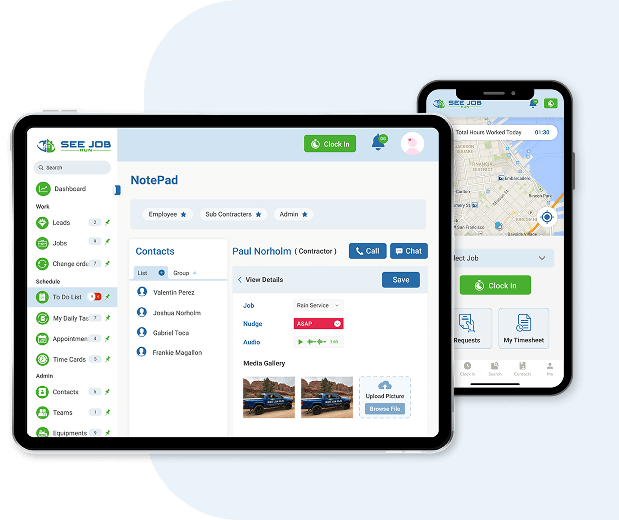
Notepad
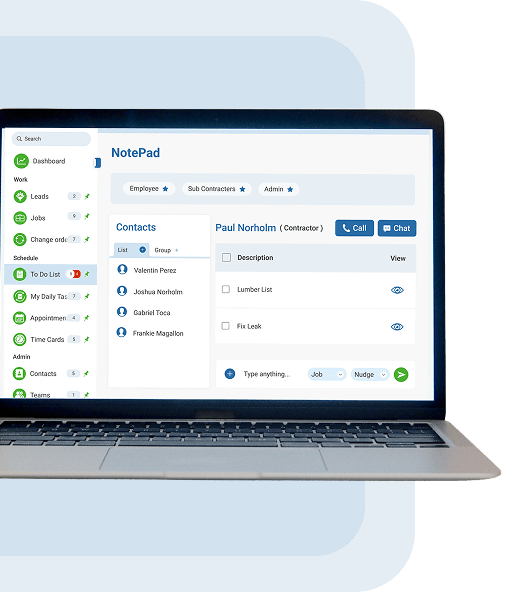
Keep jobsite details centralized and accessible
- Write freeform notes tied to specific jobs or clients
- Add time-stamped observations, instructions, or changes
- Record client feedback, inspection results, or issues
- Easily search and retrieve notes using keywords or filters
- Keep communication smooth between field and office
And many more features built
to match the way you work.
to match the way you work.
We're here when you need us.
- Write freeform notes tied to specific jobs or clients
- Add time-stamped observations, instructions, or changes
- Record client feedback, inspection results, or issues
- Easily search and retrieve notes using keywords or filters
- Keep communication smooth between field and office